
13 min read
'%3e%3cg%20clip-path='url(%23b6dc094121)'%3e%3cpath%20fill='%230066cc'%20d='M%2012.707031%205.710938%20L%2012.707031%2035.761719%20L%2037.007812%2035.761719%20L%2037.007812%205.710938%20Z%20M%2012.707031%205.710938%20'%20fill-opacity='1'%20fill-rule='nonzero'/%3e%3c/g%3e%3c/g%3e%3cg%20clip-path='url(%23cd2e57bbdf)'%3e%3cg%20clip-path='url(%23cc31bb2a50)'%3e%3cpath%20fill='%230066cc'%20d='M%2026.734375%201.035156%20L%2026.734375%2035.761719%20L%2036.882812%2035.761719%20L%2036.882812%201.035156%20Z%20M%2026.734375%201.035156%20'%20fill-opacity='1'%20fill-rule='nonzero'/%3e%3c/g%3e%3c/g%3e%3cg%20clip-path='url(%23ab469c456a)'%3e%3cg%20clip-path='url(%23fb318aa8dc)'%3e%3cpath%20fill='%230066cc'%20d='M%200.0546875%201.035156%20L%200.0546875%2035.761719%20L%2010.203125%2035.761719%20L%2010.203125%201.035156%20Z%20M%200.0546875%201.035156%20'%20fill-opacity='1'%20fill-rule='nonzero'/%3e%3c/g%3e%3c/g%3e%3cg%20clip-path='url(%238fe1ac7b9f)'%3e%3cg%20clip-path='url(%23f68e7172d0)'%3e%3cpath%20fill='%230066cc'%20d='M%200%205.710938%20L%200%2035.761719%20L%2024.269531%2035.761719%20L%2024.269531%205.710938%20Z%20M%200%205.710938%20'%20fill-opacity='1'%20fill-rule='nonzero'/%3e%3c/g%3e%3c/g%3e%3c/svg%3e)
Managing your monthly expenses is the first crucial step towards financial freedom. In today's digital age, a myriad of powerful apps can transform how you track your spending, budget effectively, and achieve your savings goals. This comprehensive guide explores the best apps designed to give you clarity and control over your money.

Yağız Gürbüz
Founder & CEO


🎧 En iyi deneyim için kulaklık kullanmanızı öneririz
Managing your monthly expenses is the first crucial step towards financial freedom. In today's digital age, a myriad of powerful apps can transform how you track your spending, budget effectively, and achieve your savings goals. This comprehensive guide explores the best apps designed to give you clarity and control over your money.
In an increasingly complex financial landscape, simply knowing your income isn't enough. Understanding exactly where every dollar goes is paramount to building wealth and reducing stress. An expense monitoring app isn't just a fancy tool; it's an essential partner in your financial journey, offering insights that traditional methods often miss.
Without a clear picture of your spending, it's easy for small, seemingly insignificant purchases to accumulate into substantial amounts over a month. These apps bring transparency to your finances, allowing you to move beyond guesswork and make informed decisions.
One of the primary benefits of using an expense tracking app is the unparalleled financial clarity it provides. By aggregating all your transactions from various accounts into one centralized dashboard, these apps paint a complete picture of your financial health. You can see your total income, total expenses, and where your money is allocated at a glance. This clarity is the foundation for any meaningful financial planning.
Many people are surprised to learn where their money truly goes once they start tracking. An app makes it easy to identify recurring spending patterns, both good and bad. Are you spending too much on dining out? Subscriptions you no longer use? Daily coffee runs? These apps highlight these habits, giving you the power to consciously adjust your behavior and reallocate funds towards more productive goals.
Whether you're saving for a down payment, retirement, a vacation, or simply building an emergency fund, an expense tracking app is an invaluable tool. By showing you precisely where you can cut back, it frees up more money to put towards your savings goals. Many apps even allow you to set specific savings targets and track your progress, providing motivation and accountability.
Gone are the days of tedious spreadsheets or handwritten ledgers. Expense monitoring apps automate much of the budgeting process. They allow you to set spending limits for various categories and alert you when you're approaching or exceeding those limits. This simplification makes budgeting less daunting and more sustainable, turning it from a chore into an empowering habit.

When selecting an expense monitoring app, it's crucial to consider a range of features that will best suit your individual financial needs and preferences. Not all apps are created equal, and a feature-rich application can significantly enhance your budgeting experience and financial insights.
Here's a breakdown of essential features to prioritize:
An app should be easy to navigate and understand. A cluttered or confusing interface can deter you from consistent use. Look for clean designs, clear data visualization (charts, graphs), and straightforward input processes. The easier it is to use, the more likely you are to stick with it.
This is arguably one of the most time-saving features. The ability to automatically connect to your bank accounts, credit cards, and investment accounts means your transactions are pulled into the app without manual input. This significantly reduces the effort required to track expenses and minimizes the chance of forgetting to log a purchase.
While many apps offer default categories, the flexibility to create, rename, and organize categories to match your unique spending habits is invaluable. This allows for a more personalized and accurate representation of your financial landscape, making it easier to see where your money truly goes in terms you understand.
Beyond just listing transactions, a good app should provide powerful reporting and analytical tools. This includes spending trends over time, category breakdowns, net worth tracking, and future projections. Visual graphs and charts help you quickly grasp complex financial data and identify areas for improvement.
Never miss a payment again. Apps with bill reminder features can help you avoid late fees and maintain a good credit score. They often allow you to input recurring bills and send timely notifications before due dates, sometimes even integrating with your calendar.
Given that you'll be linking sensitive financial information, robust security measures are non-negotiable. Look for apps that employ bank-level encryption (e.g., 256-bit AES), multi-factor authentication, and clear privacy policies. Ensure they don't store your bank login credentials directly and prioritize data protection.
Whether you use iOS, Android, or prefer a web interface, your chosen app should be accessible across all your devices. This ensures you can track expenses on the go and review your finances from your computer, providing seamless access wherever you are.
The ability to export your financial data (e.g., to CSV, Excel, or PDF) can be useful for tax purposes, creating custom reports, or simply having a backup of your information. This feature offers flexibility and ensures you're not locked into a single platform for your data.

The market for expense monitoring apps is crowded, making it challenging to pick the right one. Our selection highlights some of the most popular and effective tools available, each with its unique strengths and ideal user base.
Overview: Mint, owned by Intuit, is one of the oldest and most widely used personal finance apps. It offers a comprehensive view of your finances, including spending, budgeting, bills, and investments, all in one place.
Overview: YNAB is famous for its "zero-based budgeting" philosophy, where every dollar is given a job. It encourages proactive budgeting rather than just tracking past spending.
Overview: PocketGuard focuses on showing you "how much you have left to spend." It connects all your accounts and helps you identify overspending by calculating your "in my pocket" amount after bills and savings goals.
Overview: Personal Capital is primarily an investment tracking and wealth management tool, but it also offers robust budgeting and expense tracking features. It provides a holistic view of your financial life.
Overview: Simplifi is Quicken's modern, cloud-based personal finance app designed for simpler, on-the-go money management. It focuses on helping you see your money, know what's safe to spend, and plan for your goals.
Overview: Goodbudget uses the traditional "envelope system" of budgeting in a digital format. You allocate portions of your income into virtual envelopes for different spending categories.
Overview: Spendee is a visually appealing and intuitive app for tracking income and expenses. It offers a clear overview of your financial health with beautiful infographics.
Overview: Monefy is known for its extreme simplicity and speed in logging expenses. It focuses purely on tracking your spending and income with minimal fuss.
Overview: Wallet by BudgetBakers offers a comprehensive suite of features for personal finance management, from transaction tracking to budgeting, debt management, and even financial planning.
Overview: Fudget is a bare-bones, no-frills app designed specifically for creating simple budgets. It's ideal for quick, short-term budgeting or tracking specific projects.
Overview: Rocket Money started as an app to identify and cancel unwanted subscriptions but has evolved into a full-fledged personal finance management tool, including budgeting, bill negotiation, and net worth tracking.

With so many excellent options available, selecting the perfect expense tracking app can seem daunting. The "best" app isn't universal; it's the one that best fits your unique financial situation, goals, and personal preferences.
Consider the following factors to narrow down your choices:
Are you a meticulous planner who wants to assign every dollar a job (like YNAB)? Or do you prefer a more hands-off approach that simply tracks where your money went (like Mint)? Perhaps you like the visual simplicity of envelope budgeting (Goodbudget). Your inherent budgeting style will significantly influence which app feels natural and sustainable to use.
What are you trying to achieve? If you're primarily focused on increasing your savings, an app with robust goal-tracking features and projections might be best. If you're trying to get out of debt, look for apps with specific debt payoff tools. For investment tracking, Personal Capital stands out. If simply understanding your cash flow is the priority, simpler apps like PocketGuard or Spendee could suffice.
Some apps are incredibly intuitive and require minimal setup, while others have a steeper learning curve but offer more powerful features. If you're not tech-savvy, opt for an app with a clean, straightforward interface and clear instructions. If you enjoy diving deep into data and customizing settings, a more complex app might be appealing.
Before committing to a paid subscription, always read recent reviews from other users. Pay attention to feedback regarding customer support, bug frequency, and the accuracy of automatic categorization. Many apps offer free versions or trial periods (often 30 days or more). Take advantage of these to test out an app's features, interface, and how well it integrates with your personal financial workflow. This hands-on experience is invaluable for making an informed decision.
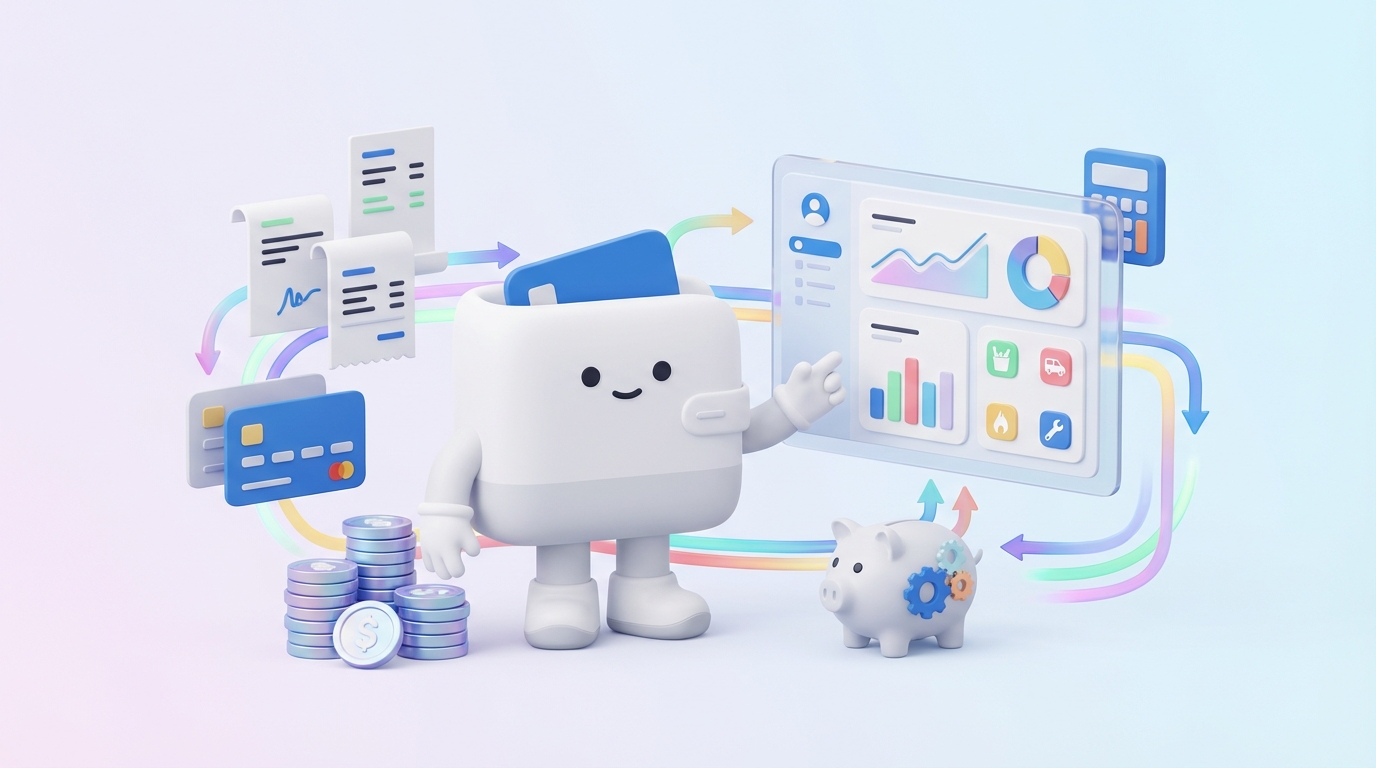
Simply downloading an app isn't enough; consistent effort and smart strategies are key to making expense tracking and budgeting truly effective. Here are some tips to maximize the benefits of your chosen app:
The most important rule is consistency. Whether your app syncs automatically or requires manual entry, make it a habit to check in regularly. Daily or weekly reviews prevent data from piling up and ensure you stay on top of your spending. Inconsistent tracking leads to incomplete data and inaccurate insights.
Take the time to categorize your transactions accurately. If your app offers automatic categorization, double-check it. Create custom categories that make sense to you and reflect your actual spending patterns. The more precise your categories, the clearer your spending insights will be, allowing you to identify problem areas effectively.
Don't just input data; analyze it. Set aside time each week or month to review your spending reports, budget vs. actuals, and progress towards your goals. This regular review helps you identify trends, adjust your budget as needed, and make conscious financial decisions for the future. It's an opportunity to learn from past spending and plan for better future outcomes.
When setting budgets or savings goals, be realistic. An overly strict budget is difficult to maintain and can lead to frustration and abandonment. Start with small, achievable goals, and then gradually increase them as you gain confidence and control. Remember that budgeting is a marathon, not a sprint.
Leverage your app's automation features. Connect all your bank accounts and credit cards for automatic transaction syncing. Set up recurring bill reminders. Automate transfers to savings accounts if your bank allows it. The more you automate, the less manual effort is required, making it easier to stick to your financial plan.
Many people have common concerns and questions when considering using expense tracking apps. Here are some answers to help clarify things:
The majority of reputable expense tracking apps employ bank-level security measures, including 256-bit encryption, multi-factor authentication, and secure servers. They typically use read-only access to your financial data, meaning they can see your transactions but cannot move money or initiate transfers. Always check an app's security policy before connecting your accounts.
Mint is widely considered one of the best free comprehensive expense tracking and budgeting apps. It offers a broad range of features, including budgeting, bill reminders, and investment tracking, all without a subscription fee (though it is ad-supported).
Yes, most modern expense tracking apps are designed to link multiple bank accounts, credit cards, investment accounts, and even loans from various financial institutions. This allows you to get a holistic view of all your finances in one place.
For optimal results, it's recommended to check your expenses at least once a week. Daily checks are even better if you have many transactions or are new to budgeting. Regular review helps you stay on top of your spending, catch discrepancies, and make timely adjustments to your budget.
Yes, budgeting apps can be incredibly helpful. They provide clarity on where your money goes, help identify wasteful spending, empower you to set and achieve financial goals, and simplify the entire budgeting process. The key is consistent use and engagement with the app's features.
Privacy is a significant concern, and reputable apps prioritize it. They typically anonymize and aggregate data for analysis and do not sell your personally identifiable financial information to third parties. It's crucial to read the privacy policy of any app you consider to understand how your data is collected, used, and protected. Look for apps that emphasize data encryption and do not store your direct bank login credentials.
Monitoring your monthly expenses is no longer a tedious chore reserved for financial experts. With the array of powerful, intuitive apps available today, anyone can gain unprecedented clarity and control over their money. From the comprehensive dashboards of Mint and Personal Capital to the disciplined methodologies of YNAB and the simplicity of Monefy, there's an app tailored to every budgeting style and financial goal.
By leveraging features like automatic transaction syncing, customizable budgets, and insightful reporting, these tools empower you to identify spending habits, cut unnecessary costs, and accelerate your journey towards financial freedom. The crucial step is choosing an app that aligns with your needs, committing to consistent use, and regularly reviewing your financial progress. Don't let your money manage you; take the proactive step today and harness the power of technology to build a more secure and prosperous financial future.
Written by
Founder & CEO
Sharing knowledge on personal finance, budget management, and investment strategies to help you achieve financial freedom.

