
13 min read
'%3e%3cg%20clip-path='url(%23b6dc094121)'%3e%3cpath%20fill='%230066cc'%20d='M%2012.707031%205.710938%20L%2012.707031%2035.761719%20L%2037.007812%2035.761719%20L%2037.007812%205.710938%20Z%20M%2012.707031%205.710938%20'%20fill-opacity='1'%20fill-rule='nonzero'/%3e%3c/g%3e%3c/g%3e%3cg%20clip-path='url(%23cd2e57bbdf)'%3e%3cg%20clip-path='url(%23cc31bb2a50)'%3e%3cpath%20fill='%230066cc'%20d='M%2026.734375%201.035156%20L%2026.734375%2035.761719%20L%2036.882812%2035.761719%20L%2036.882812%201.035156%20Z%20M%2026.734375%201.035156%20'%20fill-opacity='1'%20fill-rule='nonzero'/%3e%3c/g%3e%3c/g%3e%3cg%20clip-path='url(%23ab469c456a)'%3e%3cg%20clip-path='url(%23fb318aa8dc)'%3e%3cpath%20fill='%230066cc'%20d='M%200.0546875%201.035156%20L%200.0546875%2035.761719%20L%2010.203125%2035.761719%20L%2010.203125%201.035156%20Z%20M%200.0546875%201.035156%20'%20fill-opacity='1'%20fill-rule='nonzero'/%3e%3c/g%3e%3c/g%3e%3cg%20clip-path='url(%238fe1ac7b9f)'%3e%3cg%20clip-path='url(%23f68e7172d0)'%3e%3cpath%20fill='%230066cc'%20d='M%200%205.710938%20L%200%2035.761719%20L%2024.269531%2035.761719%20L%2024.269531%205.710938%20Z%20M%200%205.710938%20'%20fill-opacity='1'%20fill-rule='nonzero'/%3e%3c/g%3e%3c/g%3e%3c/svg%3e)
Managing your finances effectively starts with understanding your income. In today's digital age, income tracking apps offer a powerful solution, especially those that seamlessly sync with your bank accounts for automated data import. This comprehensive guide will help you compare the top options to

Yağız Gürbüz
Founder & CEO

🎧 En iyi deneyim için kulaklık kullanmanızı öneririz
Managing your finances effectively starts with understanding your income. In today's digital age, income tracking apps offer a powerful solution, especially those that seamlessly sync with your bank accounts for automated data import. This comprehensive guide will help you compare the top options to find the perfect tool for your financial journey, ensuring accuracy and saving you valuable time.
In an increasingly complex financial world, manually tracking every dollar earned can be an arduous and error-prone task. Income tracking apps that directly sync with your bank accounts revolutionize this process, transforming a chore into an effortless habit. These applications provide a clear, real-time picture of your financial inflows, helping you understand where your money comes from and how consistently it arrives. This level of insight is crucial for everything from everyday budgeting to long-term financial planning and investment strategies.
Beyond simply listing transactions, these apps empower users to identify trends, spot discrepancies, and gain a holistic view of their financial health without the need for manual data entry. They act as a central hub for all your income streams, whether they come from a primary job, side hustles, investments, or other sources, making financial management more accessible and less intimidating for everyone.
One of the most significant advantages of bank-synced income tracking apps is the automation they provide. Instead of manually entering each paycheck, freelance payment, or dividend, the app pulls this information directly from your bank and credit card accounts. This not only saves an immense amount of time but also drastically reduces the potential for human error. Transaction details, including the amount, date, and often the payer, are imported accurately, ensuring that your financial records are always up-to-date and reliable. This real-time synchronization means you always have the most current snapshot of your financial inflows, essential for making informed decisions.
Imagine the hours saved each month by not having to open spreadsheets, log into multiple bank portals, or manually categorize transactions. Income tracking apps with bank sync capabilities automate these tedious tasks, freeing up valuable time that can be spent on more productive activities or simply enjoying life. For busy professionals, freelancers, or anyone with multiple income streams, this time-saving aspect is invaluable. It shifts the focus from data entry to data analysis, allowing you to spend your energy understanding your finances rather than just recording them.
By consolidating all your bank accounts, credit cards, and investment accounts into one platform, these apps offer an unparalleled comprehensive financial overview. You can see your total income, track spending against that income, monitor net worth, and even project future cash flow, all from a single dashboard. This consolidated view eliminates the need to jump between different bank statements or financial tools, providing a unified and easily digestible picture of your entire financial landscape. This holistic perspective is fundamental for effective budgeting, saving, debt management, and wealth building.
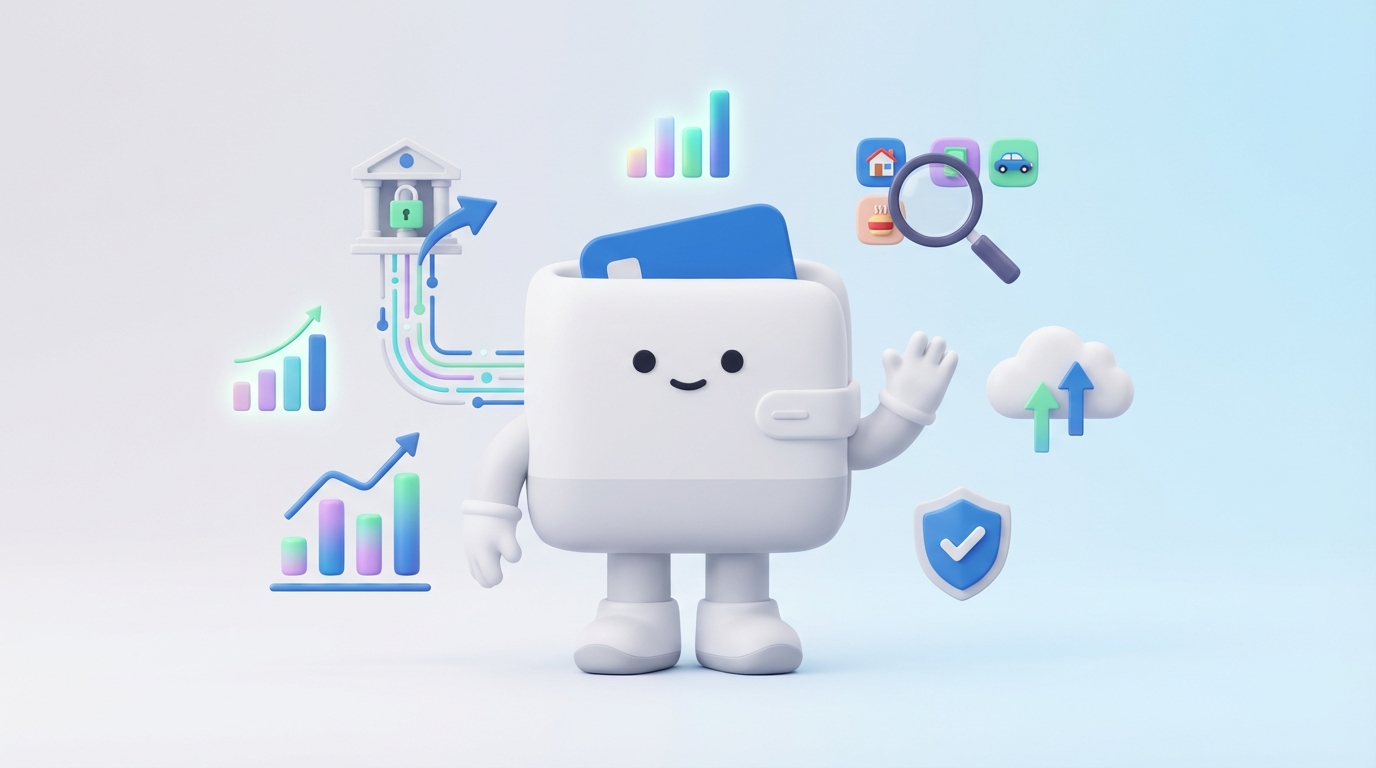
Choosing the right income tracking app requires careful consideration of its features. While bank synchronization is paramount, several other functionalities contribute to an app's overall effectiveness and user satisfaction. A robust income tracking app should not only import data seamlessly but also provide tools for analysis, security, and ease of use.
The best apps go beyond simple transaction listing, offering powerful categorization, reporting, and even budgeting capabilities that integrate income data directly. Evaluating these features against your personal financial habits and goals will help you select an app that truly enhances your financial management rather than adding complexity.
This is the core feature. Look for apps that support a wide range of financial institutions, including major banks, credit unions, and even newer online-only banks. The synchronization process should be reliable, secure, and ideally offer real-time or near real-time updates. The ability to connect multiple accounts from different banks is crucial for most users, providing a unified view of all income and expenses.
Once income data is imported, the ability to categorize it effectively is vital for analysis. Look for apps with intelligent auto-categorization features that learn from your habits and allow for custom categories and subcategories (e.g., "Freelance Project X," "Investment Dividends," "Salary - Main Job"). Tagging features can further enhance organization, allowing you to mark income by project, client, or specific purpose. This granular level of detail helps in understanding diverse income streams.
Beyond raw data, an effective income tracker should offer robust reporting and analytics. This includes customizable reports on income sources, trends over time, and comparisons against previous periods. Visualizations like charts and graphs can make complex financial data easier to understand, helping you identify patterns, growth, or areas of concern. Dashboards that summarize key income metrics are also extremely valuable.
While the primary focus is income tracking, many users find integrated budgeting tools incredibly helpful. Apps that allow you to set income goals, track expenses against those goals, and see how your income impacts your overall budget provide a more complete financial picture. This integration ensures that your income tracking isn't isolated but contributes to your broader financial planning.
Entrusting an app with your financial data requires absolute confidence in its security measures. Look for apps that use bank-level encryption (e.g., 256-bit AES), multi-factor authentication (MFA), and read-only access to your accounts. They should never store your bank login credentials directly. Transparent privacy policies are also essential, detailing how your data is used, protected, and whether it's shared with third parties. Reputation and compliance with industry standards are also important indicators.
An app can have all the features in the world, but if it's not intuitive and easy to navigate, users won't stick with it. A clean, uncluttered interface, clear navigation, and an enjoyable user experience are crucial. The learning curve should be minimal, allowing you to quickly set up accounts, view your income, and generate reports without frustration.
In today's mobile-first world, access to your financial data on the go is indispensable. Ensure the app offers well-designed, fully functional mobile applications for both iOS and Android. The mobile experience should mirror the desktop version's capabilities, allowing you to check income, categorize transactions, and view reports from anywhere.
Now that we understand the essential features, let's dive into a detailed comparison of the leading income tracking apps that offer seamless bank account synchronization. Each app has its unique strengths and caters to slightly different user needs, from comprehensive financial management to focused budgeting.
Mint is one of the most well-known free personal finance apps, offering a broad range of features.
YNAB is famous for its "zero-based budgeting" philosophy, where every dollar is given a job.
Personal Capital offers a unique blend of financial tracking and wealth management services.
Simplifi is Quicken's modern, cloud-based solution for everyday money management.
PocketGuard focuses on showing you how much "spendable" money you have left.
Quicken is a long-standing veteran in the personal finance software space, offering powerful desktop and web solutions.
The market for income tracking apps is dynamic, with new contenders and established players continually evolving. Here are a few more to consider:
With so many excellent options available, selecting the perfect income tracking app can feel overwhelming. The "best" app isn't a universal truth; it's the one that best aligns with your individual financial situation, goals, and personal preferences. Consider these factors to narrow down your choices and find the ideal tool to manage your money effectively.
Your financial journey is unique, and the app you choose should reflect that. Whether you're a freelancer juggling multiple income streams, a family budgeting for the future, or an individual focused on aggressive debt repayment, there's an app designed to support your specific objectives. Taking the time to evaluate your needs will pay dividends in the long run.
Before committing to an app, clarify what you want to achieve.
Income tracking apps come with varying price tags, from completely free to premium subscriptions.
Your financial data is sensitive, so security should be a top priority. All reputable apps use strong encryption and security protocols, but comfort levels can vary.
Many subscription-based apps offer free trials (typically 14 to 30 days). This is an invaluable opportunity to:

It's natural to have questions when considering financial tools that connect directly to your bank accounts. Here are answers to some of the most common concerns regarding income tracking apps with bank synchronization capabilities.
Yes, reputable income tracking apps prioritize security with robust measures. They typically use bank-level encryption (256-bit AES), multi-factor authentication (MFA), and often employ third-party security audits. Importantly, most apps connect to your bank accounts using read-only access, meaning they can view transaction data but cannot initiate transfers or make changes to your accounts. They do not store your bank login credentials directly; instead, they use secure tokenization services provided by financial data aggregators (like Plaid or Finicity). Always look for transparency in their security policies and a strong reputation.
Absolutely. One of the primary benefits of these apps is their ability to aggregate data from multiple financial institutions into a single dashboard. You can typically connect checking accounts, savings accounts, credit cards, investment accounts (brokerage, 401k, IRA), loans, and even mortgages from different banks and credit unions. This provides a comprehensive overview of your entire financial landscape.
Most popular income tracking apps support thousands of financial institutions, including major national banks (e.g., Chase, Bank of America, Wells Fargo), regional banks, credit unions, and many online-only banks (e.g., Ally Bank, Chime). However, no app supports every single financial institution, especially very small, local credit unions or obscure investment platforms. Before committing, it's wise to check the app's website or support documentation to confirm compatibility with all your specific banks and accounts.
Income tracking apps are excellent for managing multiple income streams. They allow you to categorize each inflow, whether it's your primary salary, freelance payments, rental income, investment dividends, or side hustle earnings. Many apps offer customizable categories and tags, enabling you to clearly differentiate and analyze each source. This is particularly valuable for freelancers, gig workers, and small business owners who need a clear picture of their diverse revenues.
Yes, there are several reputable free options that sync with bank accounts. Mint is perhaps the most well-known example, offering comprehensive financial tracking, budgeting, and bank synchronization at no cost. Personal Capital also provides robust bank-synced tracking for net worth and investments for free, with optional paid advisory services. PocketGuard offers a free basic version that tracks income and helps you understand your spendable money. While free apps may come with ads or fewer advanced features compared to their paid counterparts, they are often an excellent starting point for basic income tracking and overall financial management.
Choosing the best income tracking app that syncs with your bank accounts is a pivotal step towards achieving greater financial clarity and control. From the comprehensive, free offerings of Mint to the disciplined budgeting of YNAB, the investment focus of Personal Capital, or the modern simplicity of Simplifi, there's a powerful tool tailored to every financial need. These apps eliminate the drudgery of manual data entry, providing automated, accurate, and real-time insights into your income and spending. By carefully considering your financial goals, budget, security preferences, and by taking advantage of free trials, you can confidently select an app that not only tracks your income but empowers you to make smarter financial decisions, save time, and build a more secure financial future. Embracing technology to manage your money is no longer a luxury but a necessity in today's fast-paced world, and these apps are at the forefront of that revolution.
Written by
Founder & CEO
Sharing knowledge on personal finance, budget management, and investment strategies to help you achieve financial freedom.

